
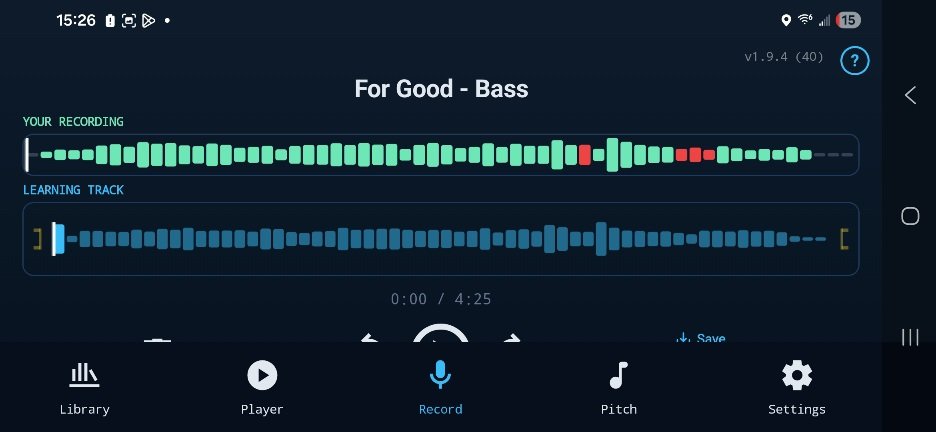
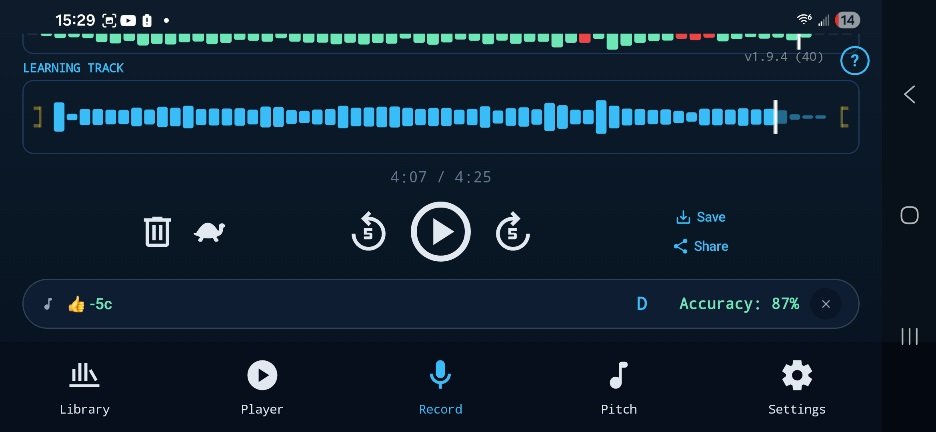
Landscape mode is helpful since it's allows greater precision to select the position on the audio. Unfortunately, it isn't possible to see both the "Your Recording " section and the pitch analysis results without scrolling up/down.
A few possible adjustments to improve:
- Move the analysis results up, so that it sits between the "Your recording " and "Learning track" sections
- Flip the "Your recording " and "Learning track" sections
- Make the icons smaller between the "Learning track" and the analysis, ie the trash, turtle, play, etc
- Make the general navigation icons smaller, ie library, player, record, etc
Default position
Scroll down
1 Comment
Thanks Jenni, will look into this.